By selecting "Live Tracking" from the left menu in the dispatch system, you will be able to see the available diver when a trip is assigned to him. Or the driver is executing a trip.
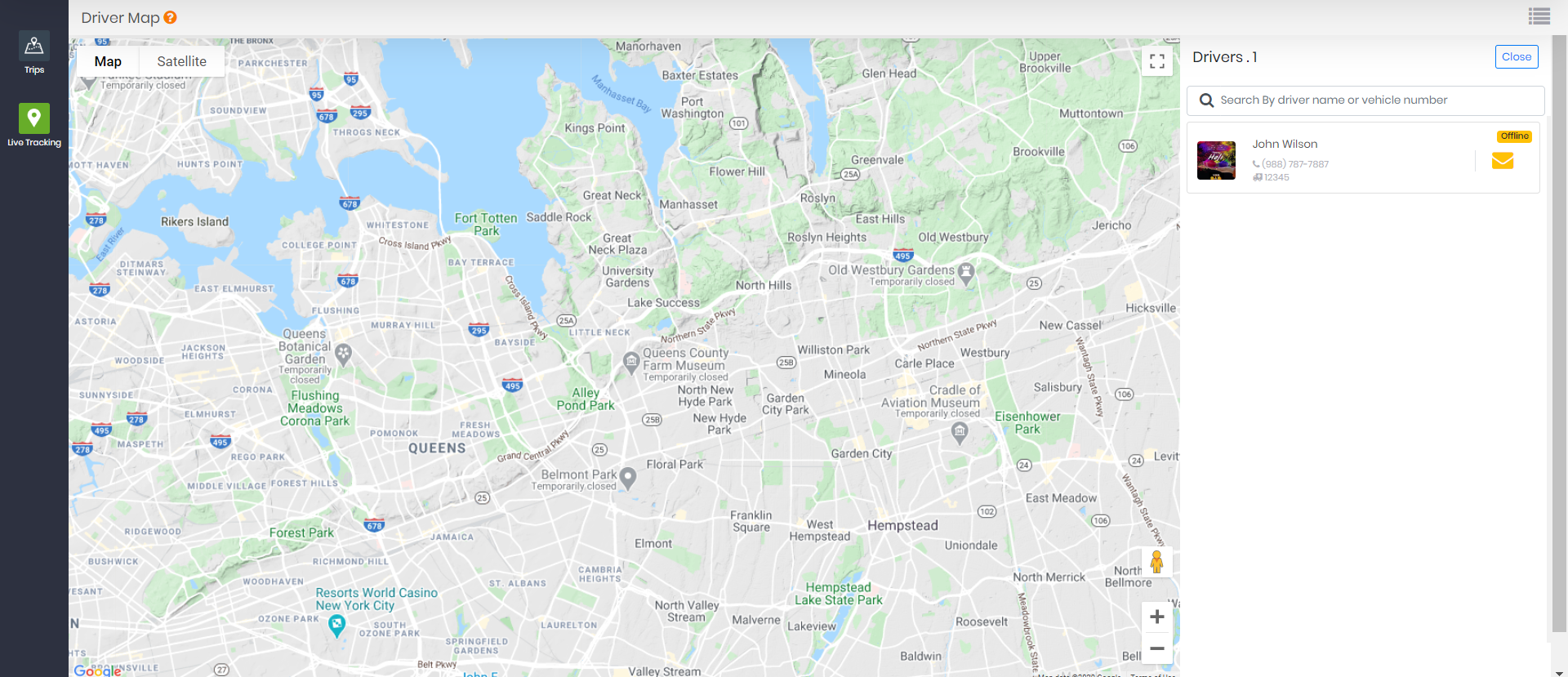
Clicking on the driver details will show below ride information:
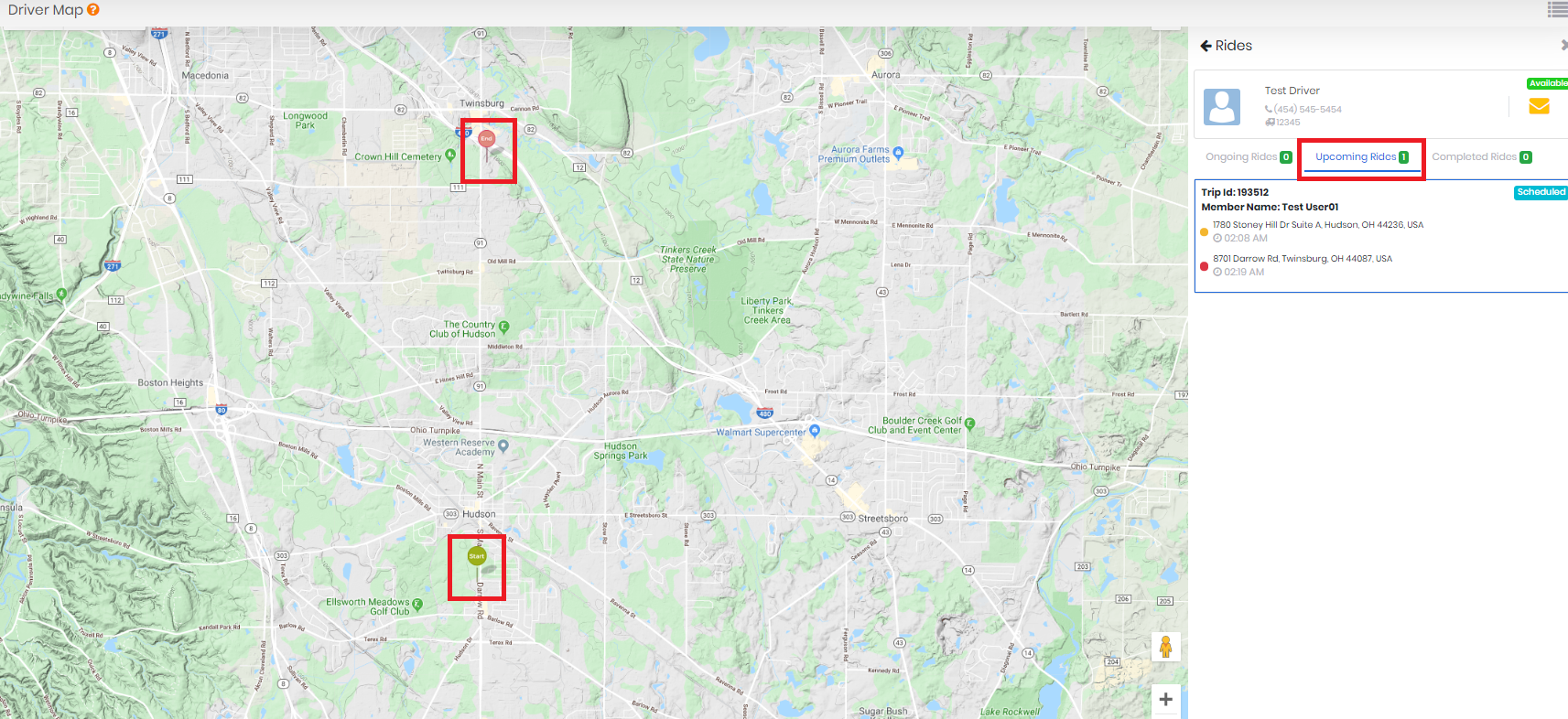
Upcoming Rides:
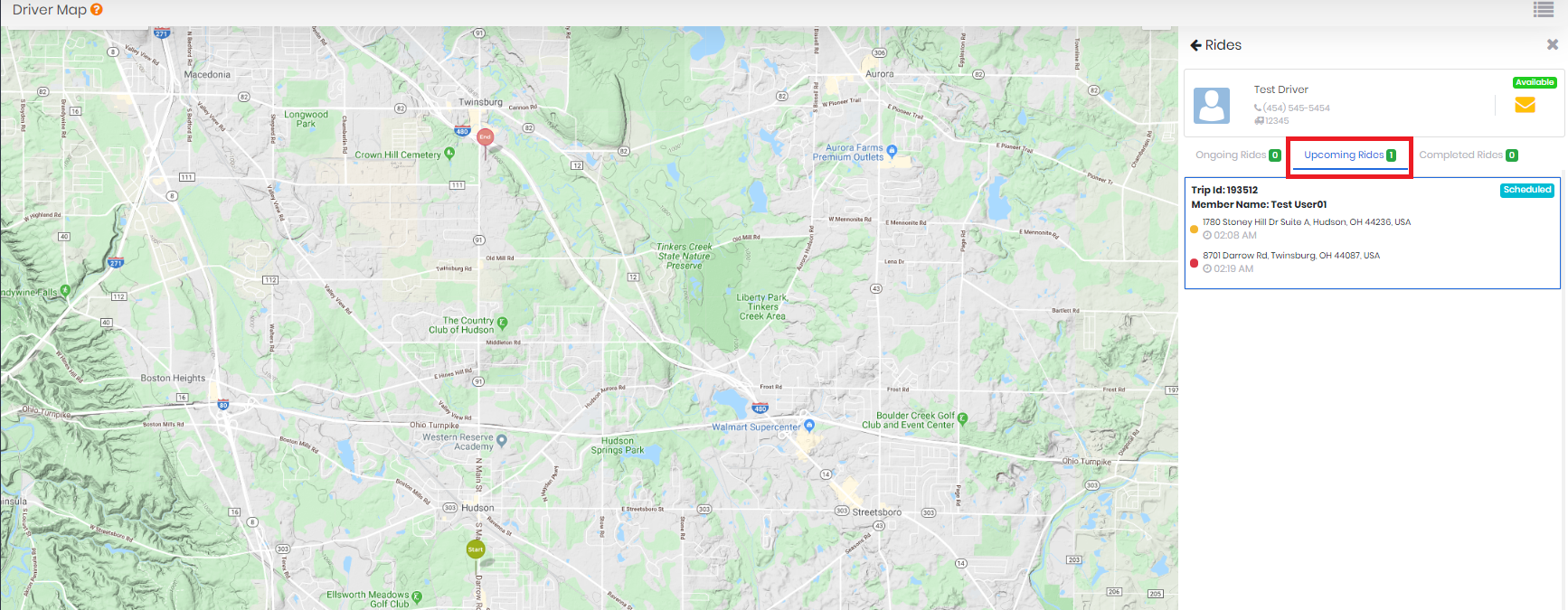
Users will be able to see the Start location and end location of the trip on the map. Status as a schedule will be display. The driver's contact number and Vehicle number will be also displayed here.
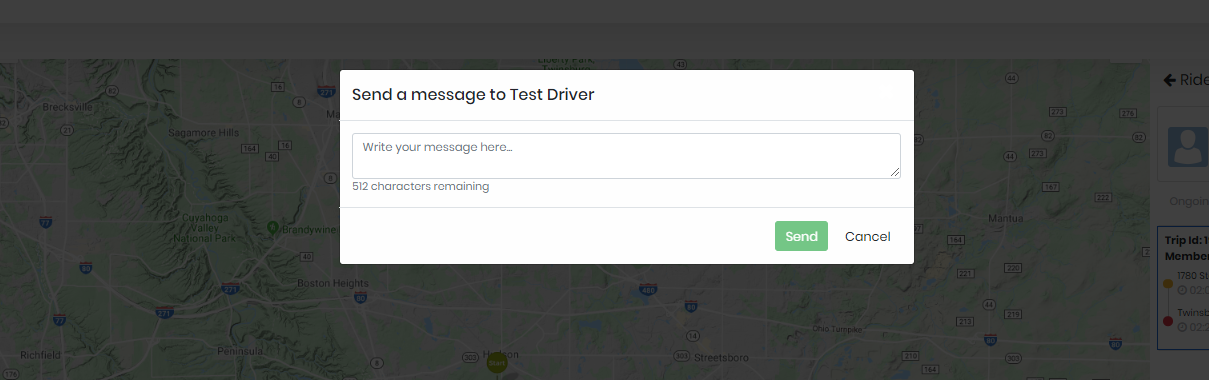
Users can send a message to the driver by clicking on the message icon. Clicking on this message icon will open a pop up where the user can enter the message and then click on save, this will send the message to the driver.
Ongoing Rides:
When the driver starts the trip, Trip details will be displayed in the ongoing ride section. where the user can see all the executing rides of the same driver. Users can see the trips from another driver who is available. Status from arrived at the pickup location to drop off location will be displayed.
Completed Rides:
Once the trip is completed by the driver it will display in Completed rides section with the actual time of pick up and drop off of the passenger. Also, distance covered ad time duration of the trip will be displayed in the section of completed rides
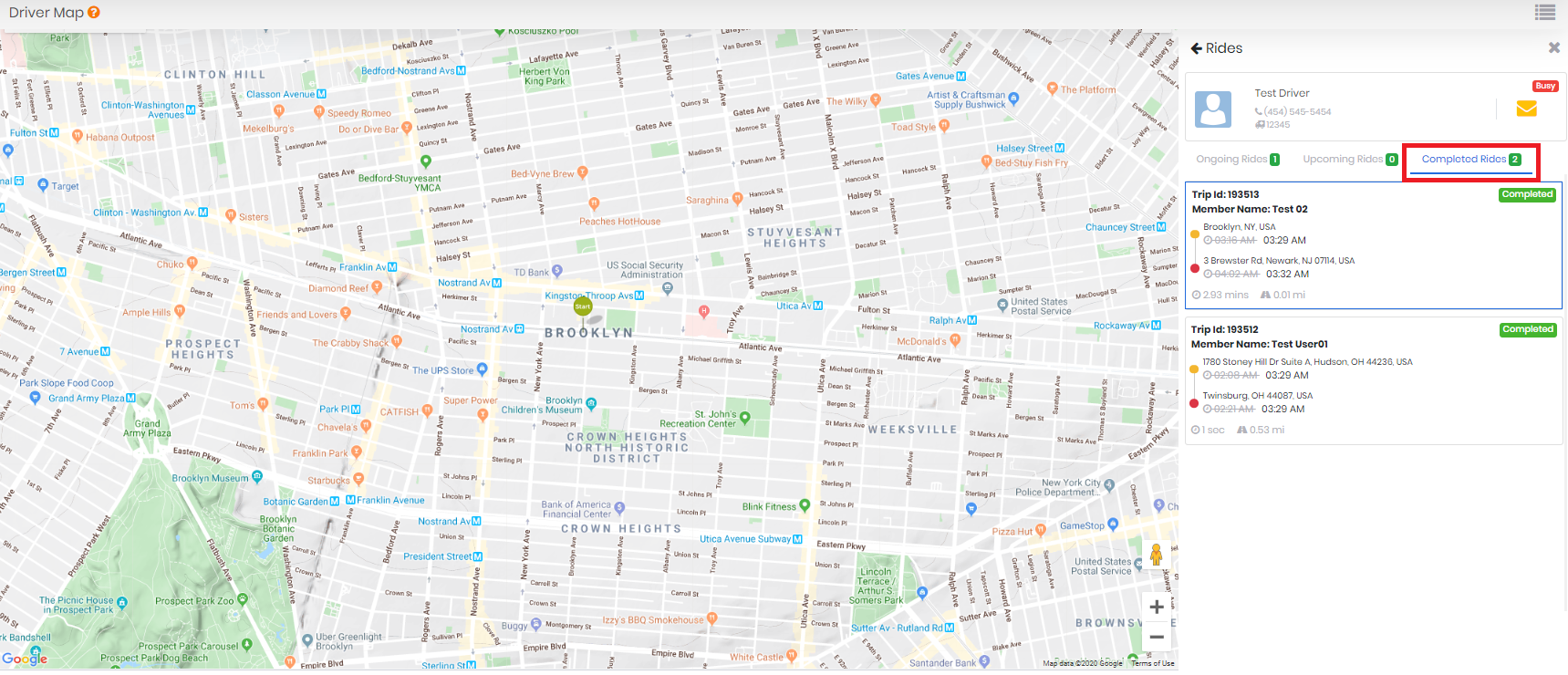
Note: The user can only see the completed ride section of a driver if the status is busy or if any trip is assigned to him.
0 Comments