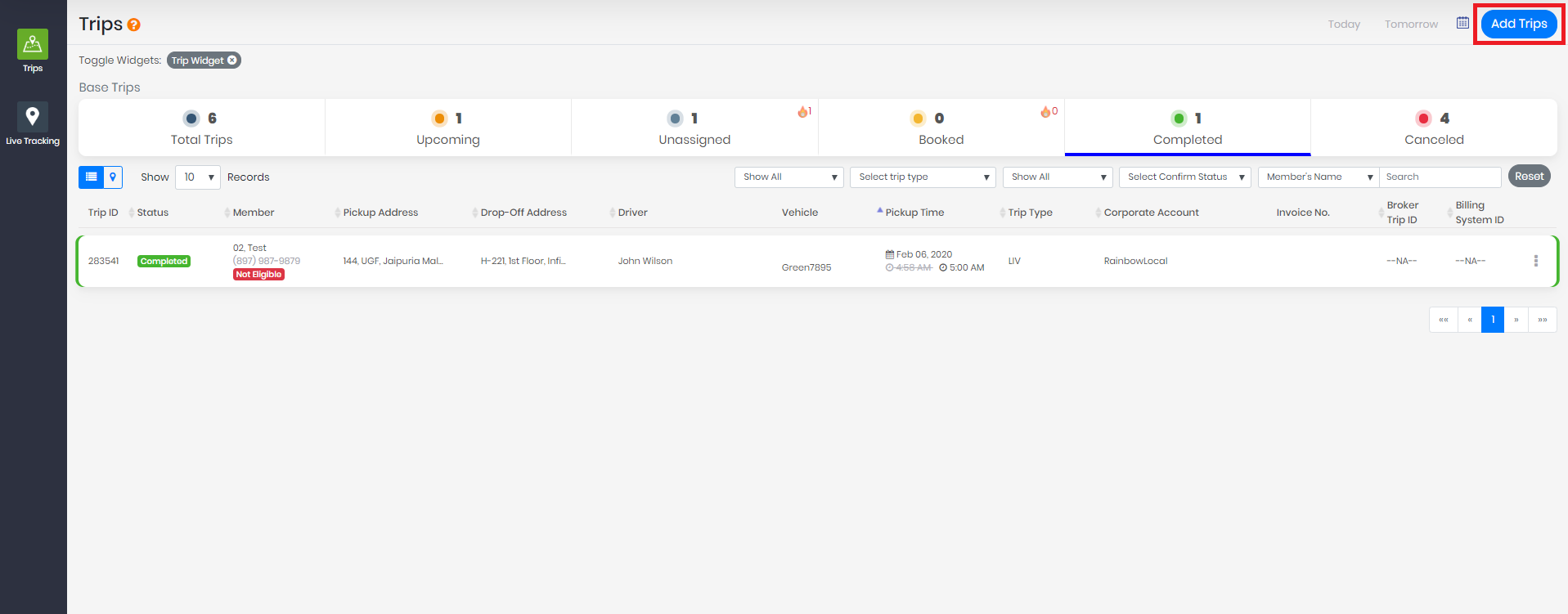
From the Trips Screen, select Add Trips:
If this is a new passenger, select "New" or if they are an existing passenger select "Existing"
- Selecting "New" will prompt you to fill in some basic passenger information:
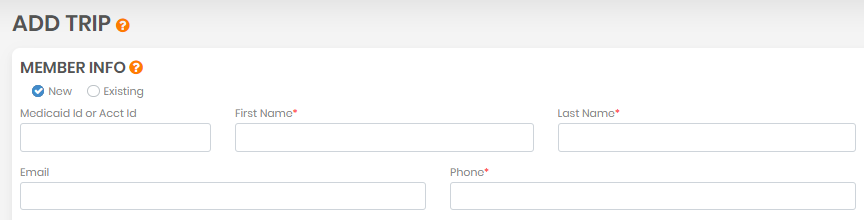
Clicking on reset will erase all fields.
If you select Existing, you will need to look up the passenger by name, Medicaid ID, email or phone number:
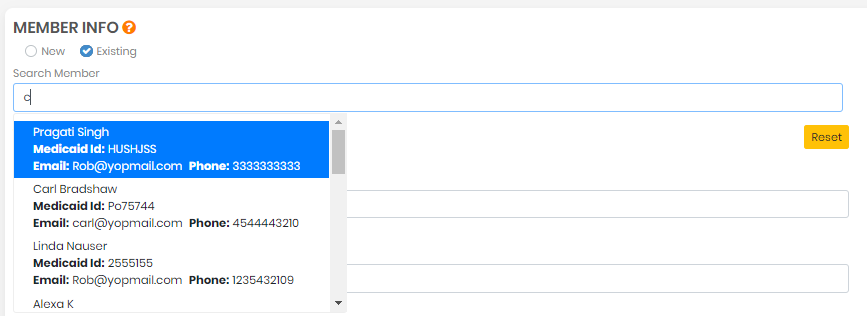
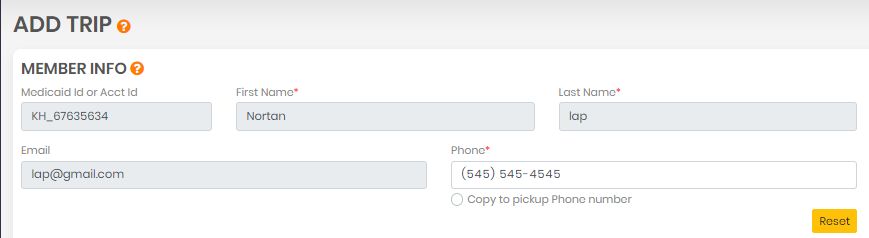
Selecting a Member name from the list will populate the fields with their saved information. You can reset data by clicking on Reset.
0 Comments