The Driver Dashboard will show upcoming rides automatically.
To begin a trip, click on the START RIDE link:
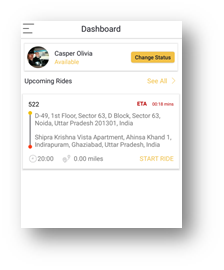
By clicking START RIDE the following screen will open:
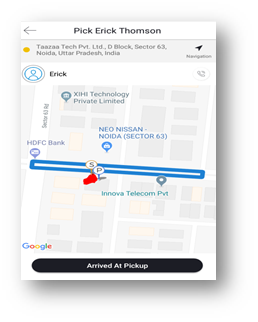
Passenger details can be viewed by clicking on the name of the passenger:
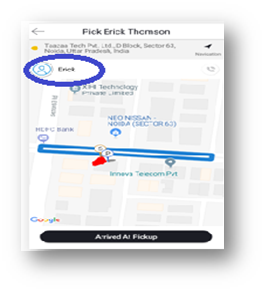
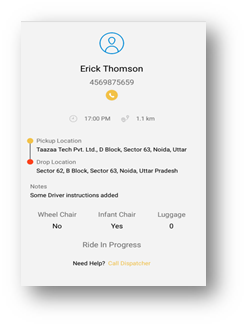
The driver can click on the Google Navigation icons to be taken to Google Maps for directions.
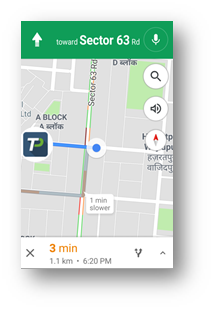
Once the driver has arrived at the pickup location, click on Arrived at Pickup Button, the app will then display the next step for the driver, Patient Onboard
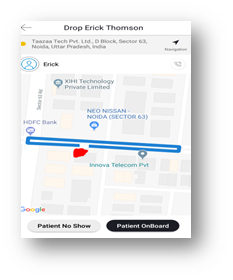
When the driver selects Patient Onboard, directions to the destination will be displayed
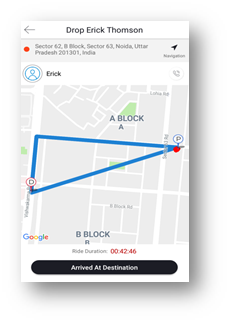
When the driver selects Arrived At Destination, the app will prompt for patient signature
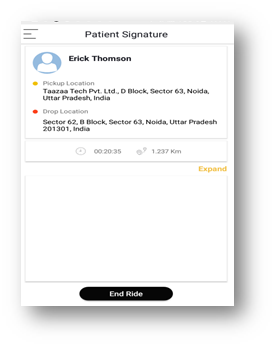
The Driver will need to select Expand to capture patient signature:
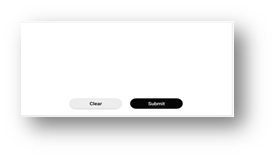
After taking the patient signature, click on END RIDE. This will mark the ride as completed and automatically change the Driver's status to AVAILABLE
0 Comments