You can set a Preferred Driver for a passenger at the time of creating the trip. Preferred driver functionality is applicable for One-way trip, Round trip and Recurring trips.
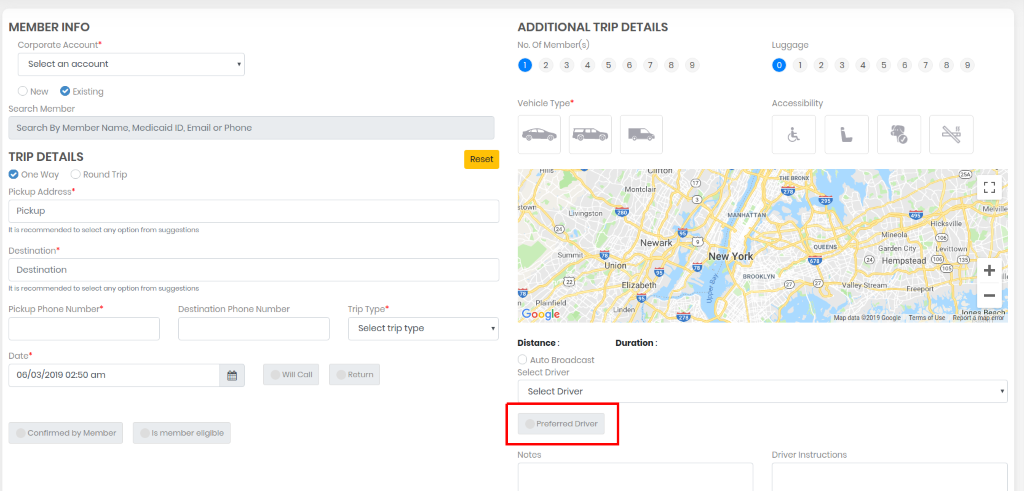
Enter the member info first, then You will be able to select the preferred driver. Once a driver is marked as preferred driver for a passenger/member, that driver will be linked to this passenger/member until you change the preferred driver for this member while adding/editing the trip.
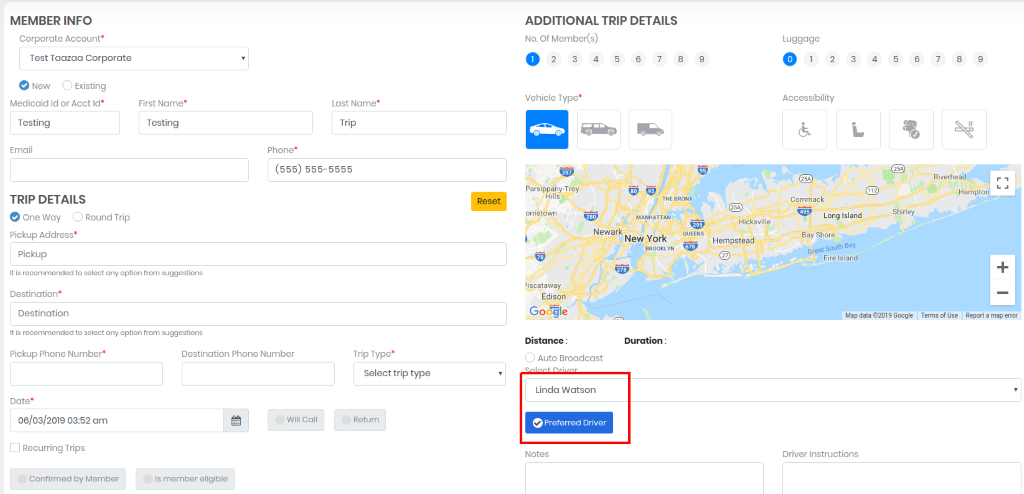
Note:
There will not be any preferred driver for Will call. Also, when a round trip is created in the system, return trip is always a will call. So, for that preferred driver will not display in the system.
If the Additional trips detail changed by you, those additional features should be available in the Vehicle otherwise preferred driver will be removed. If available, then preferred driver remains same.
0 Comments